Sunday, November 10, 2013
FDM 3- D Printing Federico VIlla
I continued my exploration of digital media with the queen piece from the chess set I designed and decided to use my early learnings in Maya to to some surface modifications on the polygons of the piece and then smooth the gaps to create a more fluid form.
From the form I was able to soften the edges and then extrude the surfaces to create a printable FDM solid. I used a 5x5x6 window of printing so I was able to print 2 pieces and I then realized I had some open area, and decided to print two study figures I had created in Rhino.
This is how the finished pieces turned out. I was very happy with the turnout of the piece and impressed at the incredible precision of the 3D printer to create su complex shapes.
Saturday, November 9, 2013
Milling Federico VIlla
For the milling project, I was very interested in the use of light to create an interesting take on form so I was inspired in the geometry of triangles and the composition they make.
From there I created a simple form in rhino which would allow me to explore the interaction of light within a piece and give me a sense of how the mill could replicate my digital design Below are explorative renderings of what I would like my piece to look like, and what it could grow into.
I used poplar which is fairly inexpensive to test out how the piece would look. Below is the result after it was milled. I was very happy with how the piece turned out but I would love to make it larger and turn it into a wall fixture or bookshelf.
Wednesday, October 30, 2013
Serial Slicing Daniela Guarin
For this new serial slicing project I decided to continue with the abstract forms created when playing with the UVN and control points of the forms. I did several tries and one of the ones that I liked the most was a narrow structure at the bottom with a wider more organic top.
I used the same process of separating the contours in order to laser cut them.
I used lauan plywood and cutted sheets of 24''X48''. After I assembled the pieces together and began grinding the wood to give it a smoother appearance.
I used the same process of separating the contours in order to laser cut them.
| 4 Side view of Rhino model |
| Perspective view of model |
| Exploded files ready to be laser cut |
I used lauan plywood and cutted sheets of 24''X48''. After I assembled the pieces together and began grinding the wood to give it a smoother appearance.
| The piece assembled and starting to grind |
CNC Milling Relief Daniela Guarin
My inspiration for the CNC relief was the Antelope Canyon. My idea was to create a relief that had different layers and resembled the lines and shapes in the canyon.
I took the basic shapes and extracted the lines in Illustrator and created a basic outline that I later exported into Rhino
After exporting all the layers individually to Rhino, I played with different dimensions and sized of extrusion to get different depths in the relief.
The relief measures 12''X12''
![]() |
| Antelope canyon interior |
![]() |
| Antelope canyon interior |
| Outline from illustrator |
After exporting all the layers individually to Rhino, I played with different dimensions and sized of extrusion to get different depths in the relief.
| 4 side view of my relief |
| Top view of my relief |
Serial Slicing - Laser Cut Federico Villa
Upon completing the glue process, I left the piece to dry for 48 hrs so that the glue could set in and create a strong bond.
The following days I then came back to it to begin the filing and grinding of the levels to create a smooth exterior that could then be painted or coated with some resin. This creates an interesting contrast with the levels of the interior, which I might leave like that so show a bit of the process or structure of how the vase was made.
Serial Slicing - Laser Cutting Federico Villa
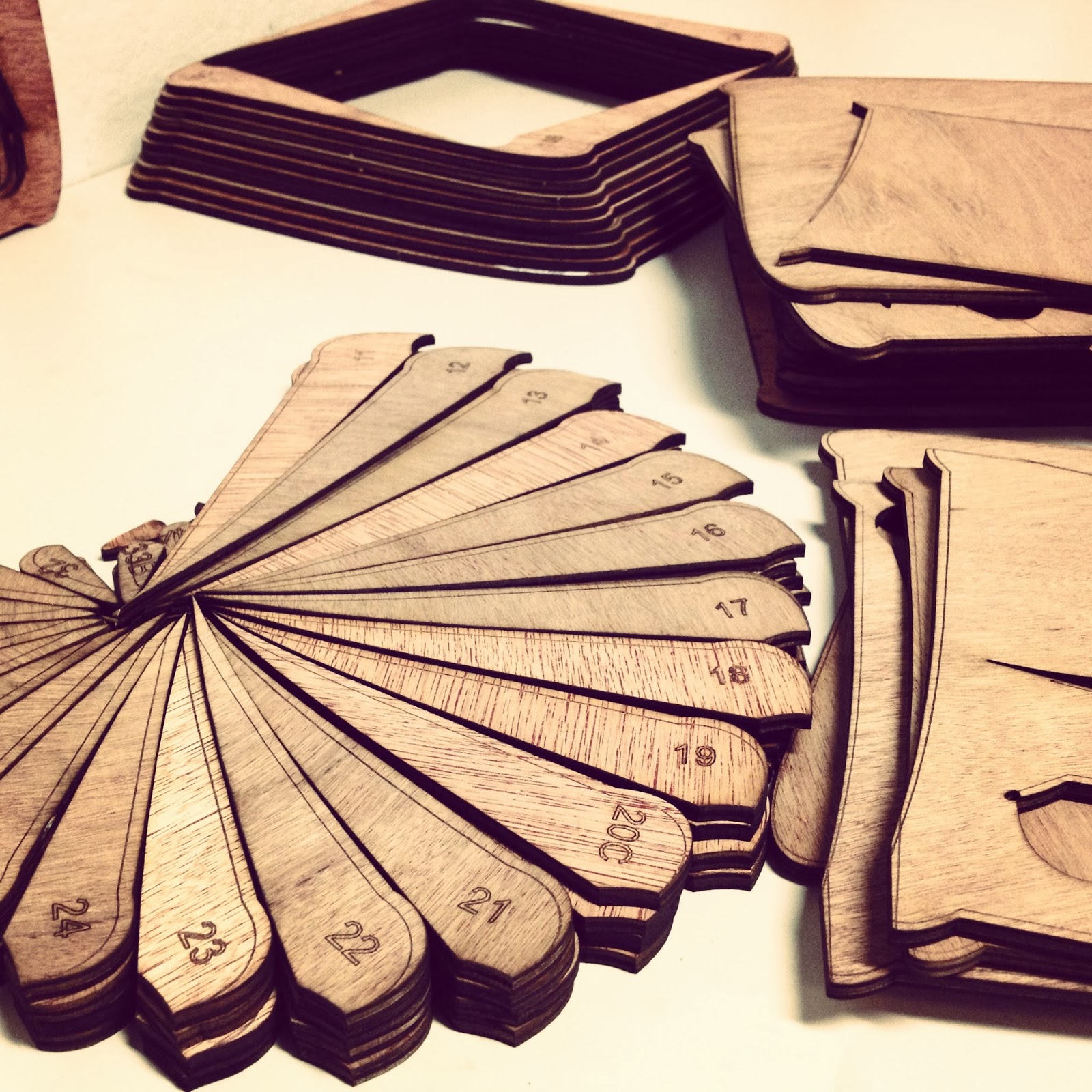
For our next project, we decided to do serial slicing but using wood instead of cardboard so that we could then sand it and give it form by hand, using both digital and physical sculptural techniques to create a piece.
Inspired by Designer Marc Newson and the way the legs of his chairs create a sculptural aspect from the space around it, I got inspired to create a piece with a similar quality. I begun with Rhino and constructed a form that played with contrast of volume versus singularity and arrived at a vase which I was very happy with, and after rendered it I sliced it up and prepared the file for the laser cutter
The pieces came out very nicely, and when I was organizing them they created an interesting coil spiral which I thought was peculiar but beautiful.
After organizing the pieces into their respective levels, I started to assemble each level starting with the larges one first to give the piece a strong base to glue up from. I used a projector and some heavy materials I found to apply weight in intervals making sure the warping of the wood would flatten out and make a strong connection with the other pieces.
Wednesday, October 9, 2013
Serial Slicing - Cardboard Federico Villa
Once the 63 individual sliced were laser cut it was just a matter of stacking them together and gluing them, and of course move to go along with the process :)
The beauty about working with cardboard, in my opinion, is that it is an inexpensive way to show form and volume, but if you see it from the perspective of the structural support (interior) it can look almost transparent or show the interior structure perfectly.
I was very happy to see the finished piece and actually experience the power of 3D scanning.
The beauty about working with cardboard, in my opinion, is that it is an inexpensive way to show form and volume, but if you see it from the perspective of the structural support (interior) it can look almost transparent or show the interior structure perfectly.
I was very happy to see the finished piece and actually experience the power of 3D scanning.
Labels:
3d scan,
3Dscanning,
chess,
design,
federicovilla,
federicovillaw,
Laser Cut,
product design,
scpt250450,
zaha hadid
3D scanning and replicating
For our first project, which involved 3D scanning a small sculptural object using the 3D scanner, I was inspired by architect Zaha Hadid and developed small chess pieces which communicate through a sculptural format.
Labels:
3d scan,
chess,
federicovilla,
federicovillaw,
scpt250450,
zaha hadid
Cnc Milling by Andreas Nicolas Fischer
Tuesday, October 8, 2013
Daniela Guarin Laser Cutting
For this project we had to chose a rhino model to create a sliced composition with cardboard. We could either worked with our previously scanned figure or we could try something new. I decided to try something spontaneous in rhino by adjusting the control points and moving the UVN. I came up with several little rhino sketches and I chose one that I liked to build my maquette from.
After the computer files where exported into AutoCAD format DXF, I was ready for building.
| Rhino sketch with 5 coarse |
| Sectioning of the model. |
| The final result. Front |
| Back |
Labels:
cardboard sculpture,
Laser Cut,
model,
rhino,
slicing
Wednesday, October 2, 2013
3D scanning of object
I used the NextEngine 3D Scanner to capture a sculpture of an
alligator skull. The scanner takes an 2D image in HD full color and it also has
a multi-laser for precision 3D measurements as well.
The digitize 3D models are cleaned up in ScanStudio HD
software and Rapid works 3.5 . Exports to STL, OBJ
Output 3D scaned models to design software like SolidWorks, 3ds Max, ZBrush, Rhino, Mud Box
One Goal of the project is to Print models using the 3D
printer as well to be able to CNC a relief sculpture or send the file to laser
cutter or even Pepakura Designer
The above and below images are of the laser scanning part of the process.
For every scanning the images are placed in a family in the above photo the green squares show that have 2 families and the blue are images that have to be aligned.
Subscribe to:
Posts (Atom)